The rebus app

Build rebus games and give users a unique experience

Rebus is the app where you build your own rebus, a digital scavenger hunt with checkpoints out in the real world. Participants get a code that takes them straight to the rebus, and find the checkpoints on an interactive map while solving challenges along the way.

The Rebus app on three phone screens: sign in, home and map with checkpoints

Everything you need for a great rebus

From codes and maps to checkpoints and challenges. A rebus is easy to build and fun to join.

Join a rebus, or build your own

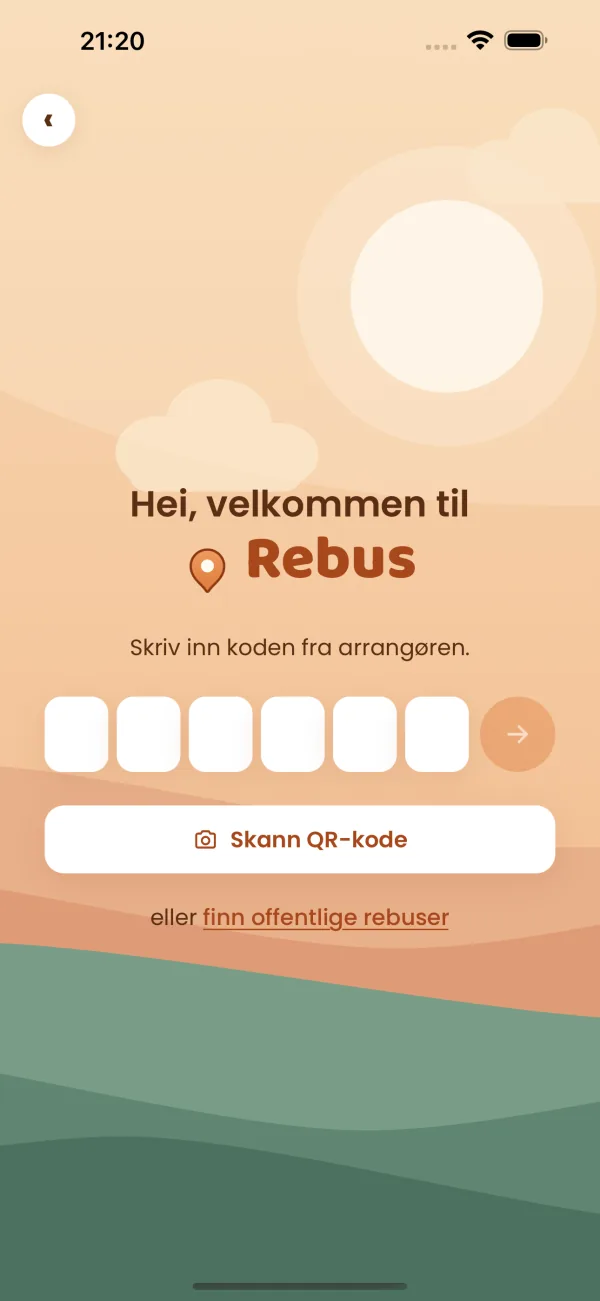
In the app you can both join a rebus and build one yourself. If you've been given a code, it takes you straight to the rebus — enter it, pick a team name, and you're off.

Public rebus games in the Rebus app

Checkpoints on an interactive map

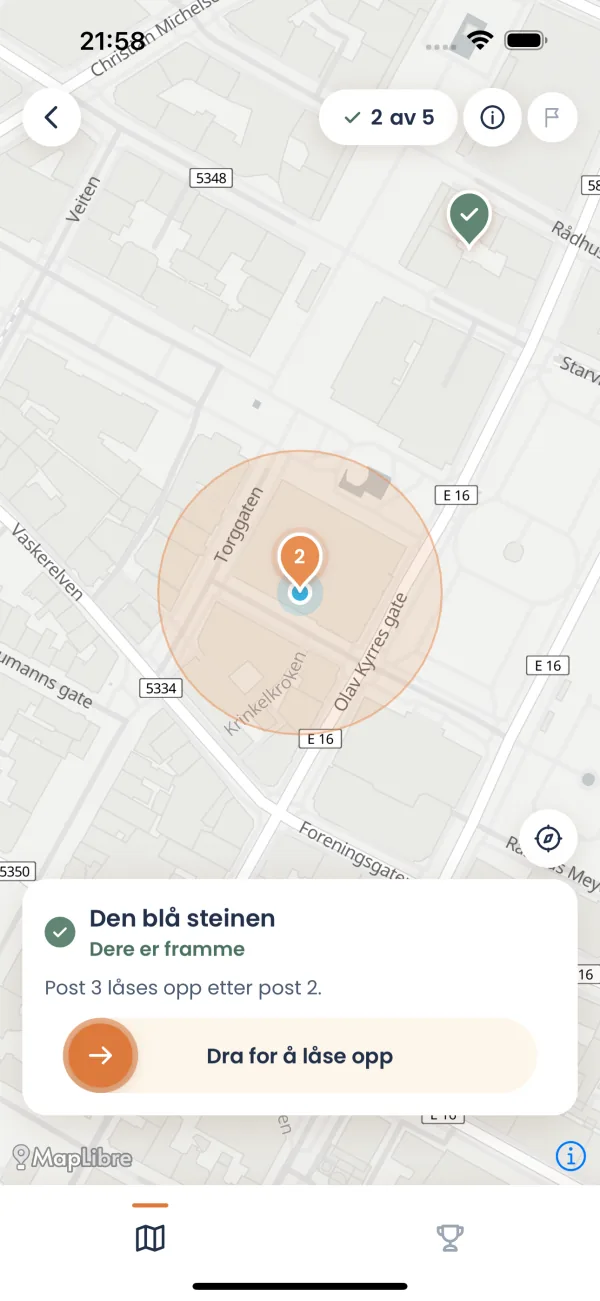
Find the checkpoints easily using the map. Once you get close enough, you can unlock a checkpoint.

Rebus checkpoints on an interactive map

Track participants' progress

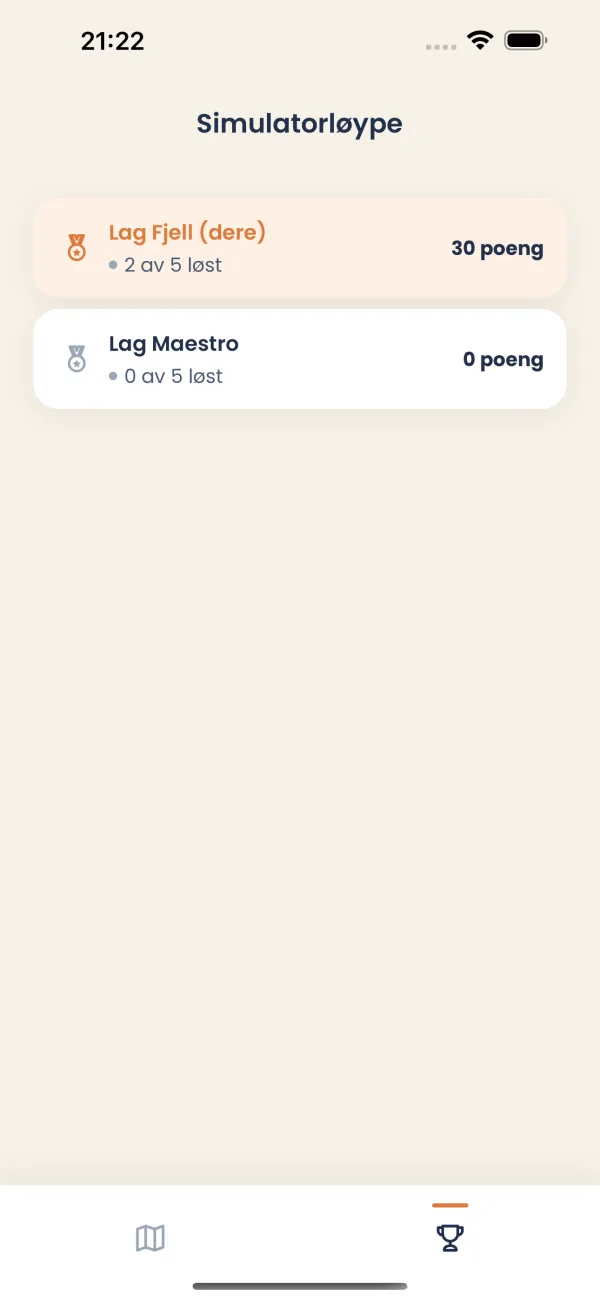
Participants enter a name when they start a rebus, which appears in the leaderboard.

Leaderboard of participants in a rebus

Different types of challenges

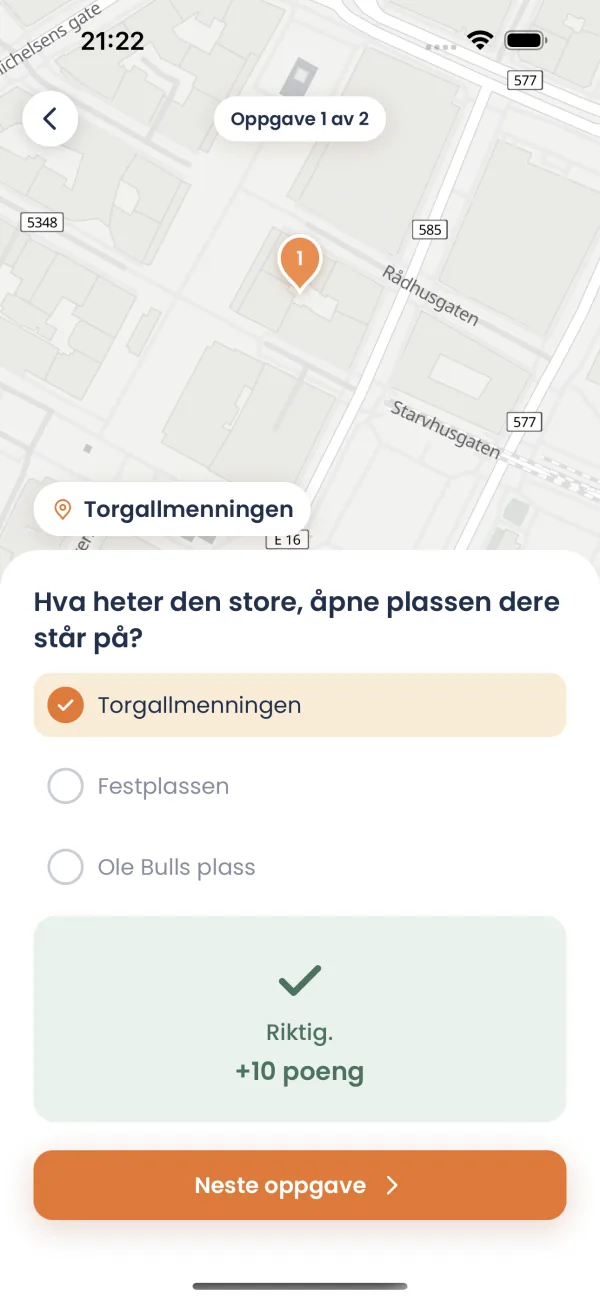
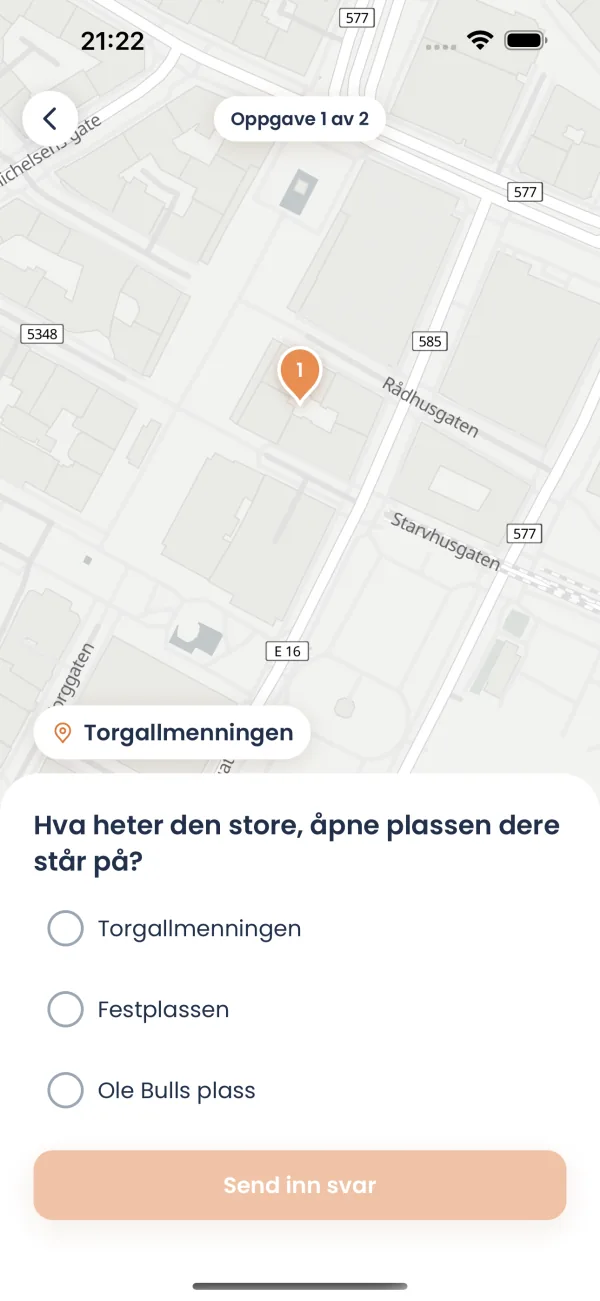
Set up several challenge types: multiple choice, single selection, text input and image upload. Challenges can have time limits and contain both text and images.

Different challenge types in a rebus

How to build a rebus

You can build a rebus right in the app, or in the web portal for the best overview. Here's how to do it in the portal:

Sign in to the rebus portal
1

Sign up

Create an account in the rebus portal and sign in to get started.

Create a new rebus in the portal
2

Create a rebus

Add checkpoints to the map, set up challenges and get a code to share with participants.

Overview of your rebus games in the portal
3

Overview

Track participants and progress, and manage all your rebus games in one place.

Frequently asked questions about rebus

A quick look at how a rebus works in the Rebus app.

What is a rebus in the Rebus app?

A rebus is a digital scavenger hunt. The organizer builds a rebus with checkpoints on a map, and participants solve challenges along the way. In Rebus you create a rebus easily and share a code with participants.

How do I build a rebus?

You can build a rebus in the app or in the web portal (which gives the best overview). Create the rebus with checkpoints and challenges, and share the code with participants. The code takes them straight to the rebus in the app.

How do participants join a rebus?

Participants download the Rebus app and enter the code from the organizer. Then they see the checkpoints on the map and can unlock them once they get close enough.

What challenge types does a rebus support?

A rebus can include multiple choice, single selection, text input and image upload. Challenges can have time limits and contain both text and images.

Who is Rebus for?

Rebus is great for companies, clubs, schools, team building, conferences, birthdays and events that want to run a fun and interactive rebus.

Ready to build your first rebus?

Get in touch and we'll help you get started with Rebus. We usually reply within 1 business day.

Get started in the portal